
02 / Systems
Less everyday admin. More time for your business.
Make enquiries, everyday admin and customer updates easier to manage. We help small businesses connect their tools, prepare useful content and use AI where it has a clear job.
Discuss business systems & AI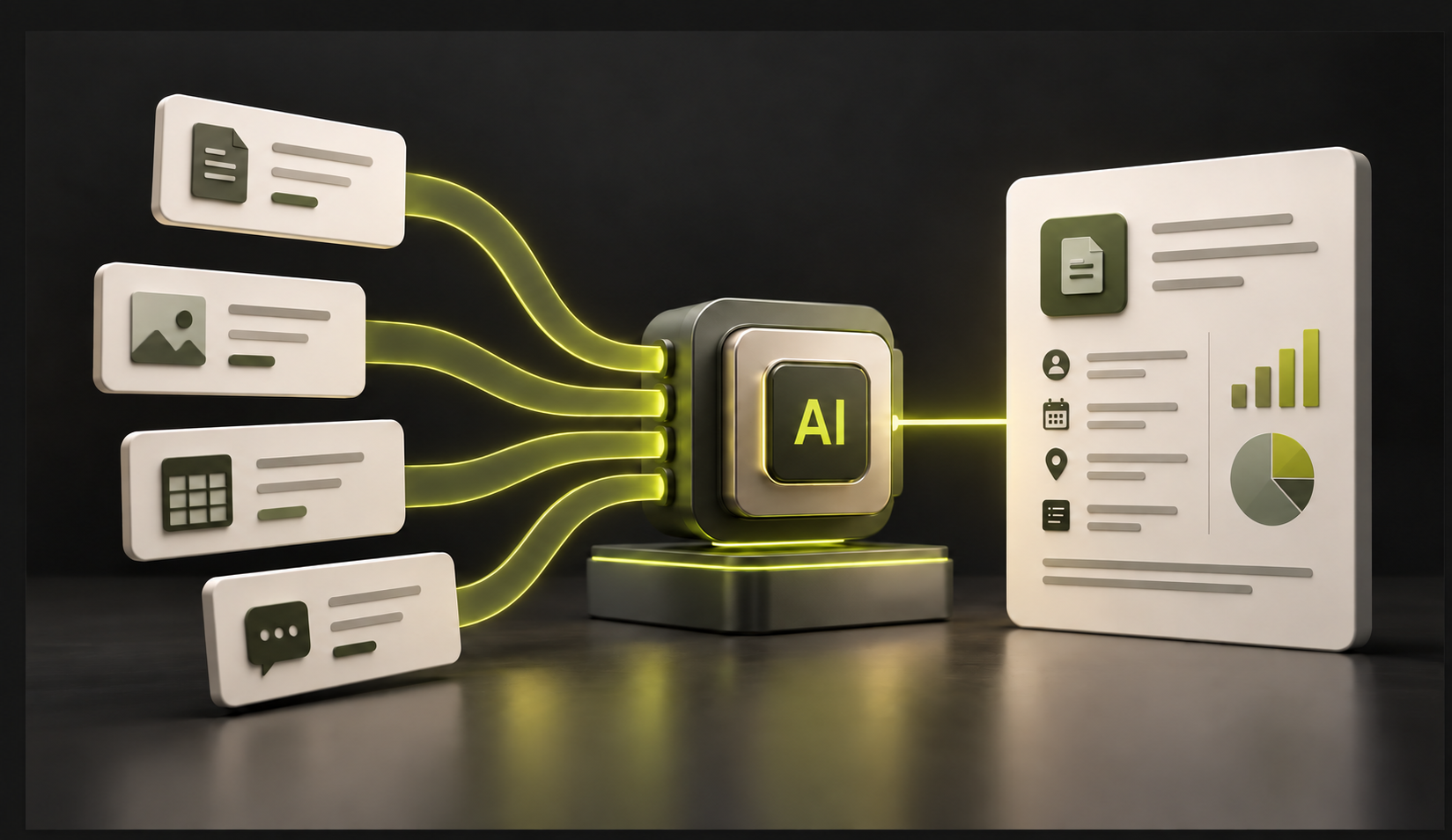
Practical possibilities
Small improvements.
Useful possibilities.
From organising enquiries to preparing customer updates, these are starting points to discuss. We agree what is suitable for your business, tools and budget.
Keep enquiries organised
Categorise incoming requests and highlight those awaiting a reply.
For example: A property agent separating buyer enquiries from appraisal requests.
Make onboarding easier
Collect requirements, documents and approvals through a consistent form.
For example: A trades business gathering job details and photographs before preparing a quote.
Prepare documents faster
Summarise supplied information and prepare drafts for review.
For example: A consultant turning meeting notes into a client brief.
Make business knowledge easier to find
Help staff locate answers in approved procedures, service information and FAQs.
For example: A pizza outlet helping staff find current offers and operating instructions.
Connect the tools you already use
Move information between supported forms, email, spreadsheets and business systems.
For example: A cleaning business recording a website request in its job register.
Keep track of the next step
Flag follow-ups, missing information and upcoming tasks.
For example: A photographer tracking outstanding briefs and client approvals.
See work in one place
Bring enquiries, project progress and outstanding tasks into a simple dashboard.
For example: A small service business keeping track of active jobs.
Build a tool around a specific need
Scope a calculator, tracker or portal where existing tools do not meet the need.
For example: An equipment-hire business preparing estimates from agreed rates.
AI assistants & agents
A defined job.
Clear boundaries.
An AI assistant can prepare work. An agent can carry out agreed steps using connected tools.
For example: an enquiry arrives, the service is identified, a draft reply is prepared and you approve it before sending. We agree which actions can run automatically and which need your review.
Prices, bookings, delivery commitments and sensitive decisions stay subject to agreed approval rules. Access, data handling, exceptions and operating costs are part of the scope.
How we work
One useful workflow.
A clear first scope.
- 01
Understand the work
Follow a real process from its first input to the finished task, including tools, people and decisions.
- 02
Design a useful system
Choose where clear rules, integrations or AI can help, and agree the checks that keep people in control.
- 03
Build & hand over
Connect the agreed steps, review realistic examples and document how to use, maintain and recover the system.
Scope & pricing
A practical starting point.
A quote you can review.
Tell us where time is being lost. We’ll discuss one useful workflow and quote for the agreed work.
Your quote separates setup or development from any ongoing software, AI usage and support costs. Newsletter and promotional work can also be scoped as individual projects.
Discuss your workflowUseful answers
Before we start.
Does every workflow need AI?
No. Clear rules and straightforward automation are often enough. We use AI where language or unstructured information makes it useful.
Can you work with our existing tools?
Where supported integrations and account permissions allow it. We review compatibility and subscription requirements before agreeing the work.
Will an AI agent reply to customers on its own?
Sending permissions and approval rules are agreed for each workflow. A sensible first version prepares replies for you to review before sending.
Can you help with newsletters and promotions?
Yes. We can scope branded layouts, content preparation and campaign setup, with the business owner approving offers, details and publishing. Audience permissions and platform requirements are agreed before campaigns are sent.
Do you build custom tools?
Yes, where a focused dashboard, calculator, tracker or portal is appropriate. We agree a useful first version rather than starting with a long feature list.
How is pricing decided?
We quote after discussing the workflow and deliverables. Setup or development, ongoing software subscriptions, usage and support are identified separately.